
The Essential Tech Every Small Business Needs to Stay Secure
Practical tools that make a real difference without requiring an IT department
No tool can replace a security-conscious team. However, the right technology provides a safety net that reduces risk when mistakes happen.
In practice, most security issues in small businesses do not arise from complex failures, but from a small number of gaps that have not been addressed. The most effective protections are not expensive or complex. They are accessible to businesses of all sizes, and most can be implemented without specialist knowledge. The priority is not to overhaul your entire IT setup, but to put a small number of core controls in place and apply them consistently.
Two-factor authentication: the most effective single upgrade
If there is one step to prioritise, it is enabling two-factor authentication (2FA) on every account that matters — email, accounting software, cloud storage and customer systems.
When logging in, 2FA requires a second step beyond your password. This is typically a short code generated by an app or sent to your phone. Even if a password is compromised, access cannot be gained without this second factor. It closes one of the most commonly exploited gaps in business security.
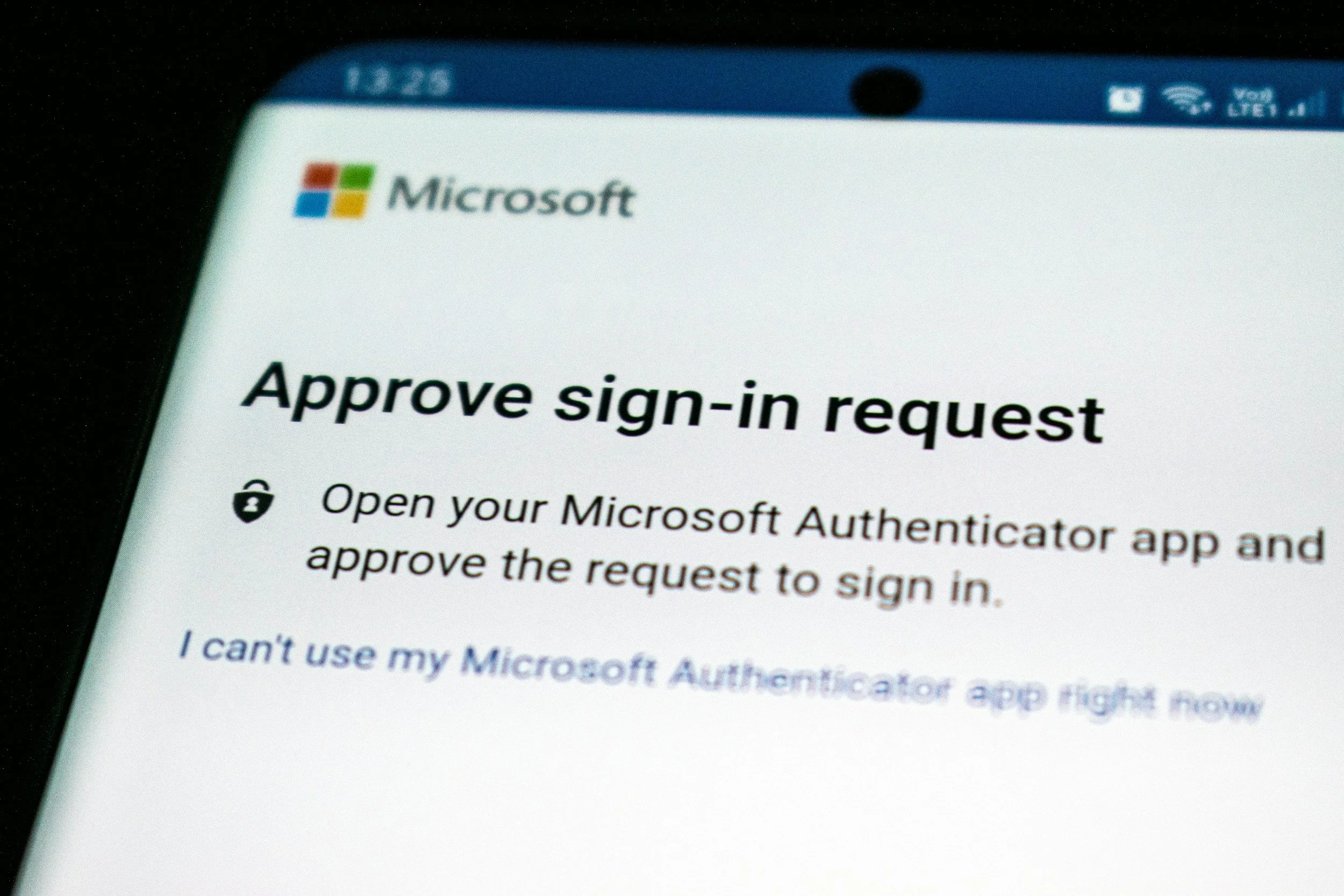
Research indicates that 2FA can prevent the vast majority of account takeover attacks. It takes minutes to set up and provides immediate additional protection.
— Google Security Blog, 2019, How effective is basic account hygiene
For stronger protection, use an authenticator app such as Google Authenticator or Microsoft Authenticator rather than SMS. Text messages can, in certain cases, be intercepted. Authenticator apps provide a more secure option.
Keep everything updated — including devices you might overlook
Software updates are often inconvenient, but they are essential. Each update addresses known vulnerabilities. Delaying them leaves systems exposed to risks that are already understood and actively exploited.
This applies not only to computers and applications, but also to less obvious devices such as printers, cameras and other connected equipment. These are often overlooked but can present real entry points if not maintained.
It is also worth checking whether any devices are still running outdated operating systems. For example, Windows 10 reached end of support in October 2025 and no longer receives security updates.
Antivirus and endpoint protection
Basic antivirus software provides a baseline level of protection, but it is no longer sufficient on its own. Endpoint protection solutions typically include real-time monitoring, ransomware defence and automated patch management.
Several providers offer business packages that cover multiple devices at a reasonable cost. The appropriate level of protection will depend on the size and nature of your business, but some form of structured endpoint protection should be in place.
This is most effective as part of a layered approach. It reduces exposure where other controls fail, but it does not replace the need for good practices and oversight.
Backing up your data — the 3-2-1 rule
Ransomware attacks work by encrypting your files and demanding payment to restore access. A reliable backup is the most effective safeguard.
The 3-2-1 rule provides a simple and widely used framework:
Keep three copies of your data
Store them on two different types of media (for example, a local drive and cloud storage)
Keep one copy in a separate location
Backups must also be tested. A backup that cannot be restored provides no protection when it is needed.
Securing your Wi-Fi and remote access

An unsecured business Wi-Fi network creates avoidable exposure. Use WPA3 encryption where available, set a strong password and maintain a separate guest network so that visitors cannot access internal systems.
For staff working remotely or using public networks, a VPN (virtual private network) encrypts data in transit and reduces the risk of interception. These services are straightforward to implement and are a practical addition where remote working forms part of day-to-day operations.
Password management
Managing multiple strong passwords is difficult in practice. The result is often reuse, which significantly increases risk across systems.
Password managers address this by generating and storing complex passwords securely. Users only need to remember a single master password. Most operating systems include a basic version, while dedicated tools such as Bitwarden, 1Password or Dashlane offer additional functionality for business use.
Alongside this, enforce two simple rules:
Passwords should be at least 15 characters
Passwords should never be shared or reused
These two controls alone materially reduce risk.
Action steps
Enable 2FA on all critical business accounts
Ensure automatic updates are enabled across all devices
Review backup arrangements — including when data was last successfully restored
If you would like support with any of the above, feel free to contact the NKC team.